Authorization
Logging in!
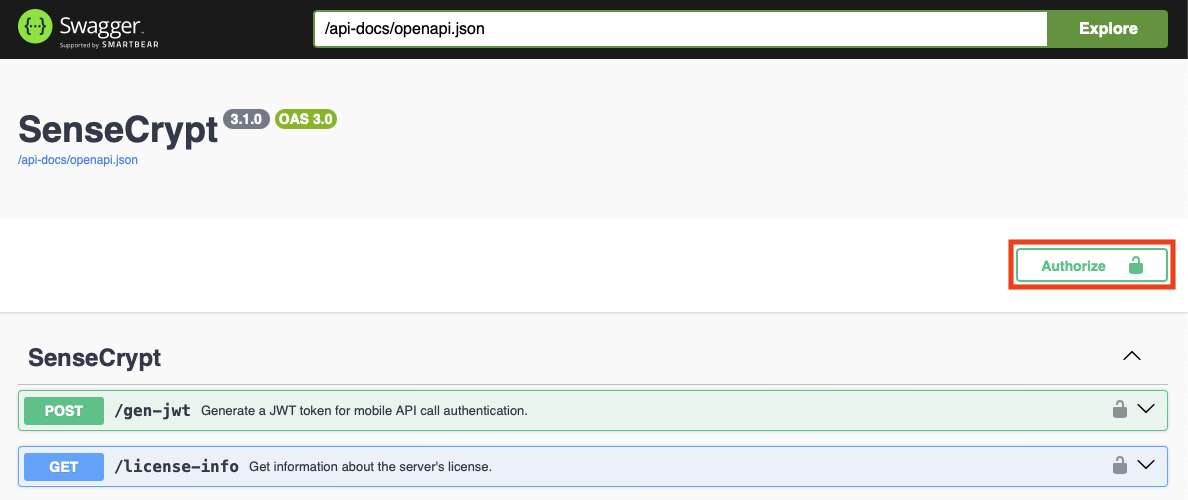
Click Authorize
Upon opening the Swagger Docs page in the browser, you should see the Authorize button on the top right:
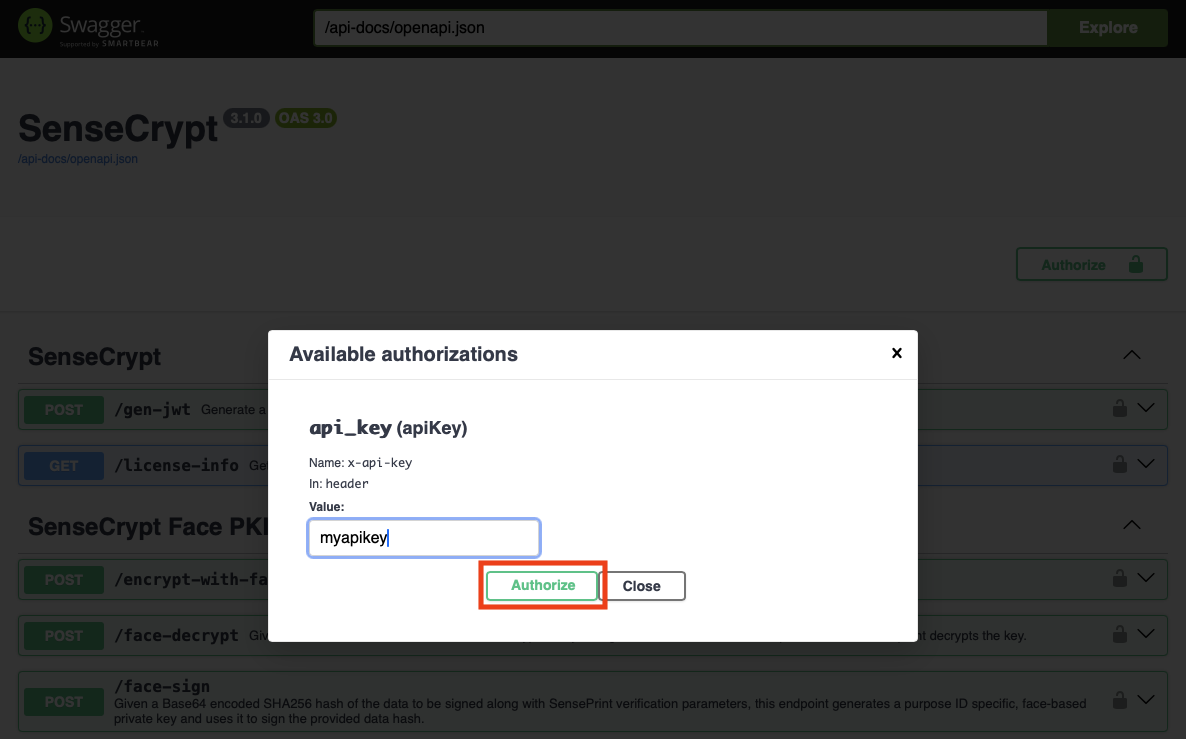
Enter your API key
Recall that we had set the API key in the secrets.json file while starting the Docker. We will need to enter that API key after clicking the Authorize button:
Now we can use the Swagger Docs page to interact with the API.